SD Music (Plus) Firmware Update Recommendation (Firmware V1.0E)
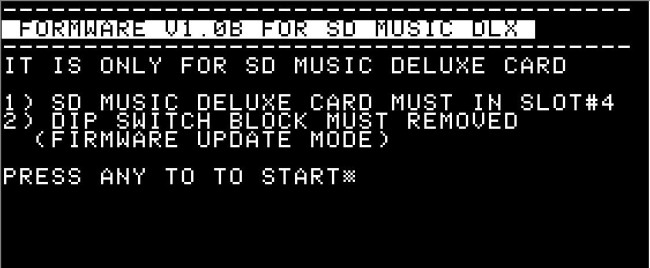
After removing the SWITCH BLOCK, power on your SD Music (Plus) card.
If you hear the "ding-dong" startup sound, your SD Music (Plus) is running firmware V1.0E and supports self-firmware updates. I strongly recommend downloading the latest firmware and updating it when it becomes available.
If you do not hear any startup sound, your board is running an older firmware version that does not support self-updating. In that case, you can send your SD Music (Plus) board to me for a free firmware update.
This update improves the volume balance of the Mockingboard emulation and adjusts the Volume, Envelope, and Noise response to more closely match the characteristics of the actual AY-3-8910 sound chip.
The default sound has also been refined to sound smoother, calmer, and less harsh. Several minor firmware issues have been corrected, and overall operating stability has been improved.
Update Instructions
Download the attached disk image and either create a physical floppy disk or prepare your system to boot directly from the disk image.
Make sure the Apple II is powered off.
Remove the S/W block from the SD Music Deluxe card.
Install the SD Music Deluxe card in Slot 4 of the Apple II.
Boot the Apple II using the attached firmware update disk image.
When the instructions appear on the screen, press the Enter key.
Do not turn off the Apple II while the firmware update is in progress.
When the update has completed successfully without any errors, you will hear a “Ding-Dong” completion sound.
After hearing the completion sound, turn off the Apple II, reinstall the S/W block in its original position, and use the card normally.
I have finally completed IMS PLAYER for the Apple IIe.
This is the only IMS music player that runs on the Apple IIe. I put almost every feature I could possibly implement into it.
Main Features
Unlimited Music File Size Playback
IMS PLAYER uses a HIDDEN READING method, allowing even very large IMS files to be played all the way to the end without file size limitations.
Massive Instrument Support
Each IMS file can use up to 128 instruments.
Instrument search is performed in two stages:
First, IMS PLAYER searches for a BNK file with the same name as the IMS file.
If some instruments are still missing, it searches again in STANDARD.BNK.
If the instrument still cannot be found, it plays using the default selected instrument sound.
The larger the BANK file, the longer the search time.
Example:
160KB BANK file / about 4,000 instruments: about 4 seconds
670KB BANK file / 15,867 instruments: about 11 seconds
For an 8-bit computer, this is very fast. ^^; While making an IMS player, I somehow ended up building a database search engine.
At first, searching instruments in a 160KB BANK file took 33 seconds. In the final version, it was reduced to about 4 seconds.
Original Stereo Mode
IMS PLAYER supports my own STEREO ON/OFF function, designed to preserve the original character of the music as much as possible.
It first assigns instruments to left, center, or right based on the instrument names, then dynamically rearranges them in real time using my own algorithm depending on the music.
It does not ruin the original feel of the song, and it creates a pretty nice harmonic stereo effect.
Powerful Storage Expansion
An HDD is required, and up to 8 HDD volumes are supported.
In the demo screen, two 32MB HDDs are connected through emulation.
Visual UI Elements
Using an optimized ISR interrupt routine, IMS PLAYER supports:
11-channel level meter
Progress bar at the bottom of the screen
Complete Percussion Support
Percussion is fully supported.
Fast and Intuitive UI & Jukebox
Up to 384 IMS files can be displayed in a single directory.
Non-displayed files such as BNK files do not count toward this limit.
IMS PLAYER also supports a JUKEBOX function, allowing continuous playback upward or downward through the file list.
You can put your favorite songs into one folder, start playback, and leave it running while doing something else.
Pause and volume control are also supported. Very useful when you get a phone call.
Required System
Hardware:
Apple IIe
65C02 CPU
64KB RAM or more
Sound card:
SD Music Deluxe OPL3 card is required
Development Note
During development, I also implemented a file sorting function.
However, it was not very useful in real use and only consumed memory, so I boldly removed it from the final version.
IMS PLAYER will soon be uploaded to the link previously provided to SD Music Deluxe card buyers.
Development was not easy and took a lot of effort. If you enjoy this software, even a small donation would be greatly appreciated.
For questions, please contact me by message or email.
Now, please enjoy the real Apple IIe demonstration.
The number of IMS files selectable from the menu has been increased from 254 to 384.
I think this should be enough for normal use.
Volume Control
You can now increase or decrease the volume while the music is playing.
Pause / Resume During Playback
During playback, you can press the SPACE key to pause or resume the song.
JUKE BOX Support
My favorite “JUKE BOX” feature is also working well.
You can play songs continuously, and choose whether the next song should be selected upward or downward in the file list.
Progress Bar
A progress bar is shown at the bottom of the screen, so you can roughly see how far the music has progressed.
I tried to add as many useful features as possible while still keeping the performance optimized.
As a result, the Apple II can now play IMS music much better than I originally expected.
Honestly, I put a lot of passion and effort into this program.
Please listen to the music. When X-WAY is turned on in the middle of playback, you can hear the sound change.
System Requirements
Apple //e with 65C02
SD Music Deluxe card
Features
IMS music file playback support.
With Hidden Reading, there is effectively no file size limit. The sample song above is 65KB.
Remaining Work
If an instrument cannot be found, or if the included BNK file is missing, the player will load STANDARD.BNK and fill in the missing instruments automatically.
I also plan to continue speed optimization, especially for faster instrument searching in large STANDARD.BNK files.
Please consider getting an SD Music DX card, and please give lots of love to the IMS Player as well. ^^
I’ve been working on an IMS music player for the Apple II. (It required the SD Music DX OPL3 card)
IMS file: For those interested in the technical specs of the 1990s Korean Chiptune/MIDI format (.IMS) powered by Yamaha OPL chips, here is the detailed English wiki page. https://moddingwiki.shikadi.net/wiki/IMS_Format
A 20KB buffer is not enough for longer songs, so the player must read more IMS data from disk while the music is playing. I have already done similar work in my MIDI and VGM players, so I plan to bring that experience into this IMS player as well.
I’m also planning a few UI features:
A level meter, so the screen feels alive while music is playing.
A progress display, so users can roughly see where they are in the song.
There are still many details to solve, but the player is finally starting to take shape.
The previous version felt a bit plain during music playback, so after considering several options, I added a level meter.
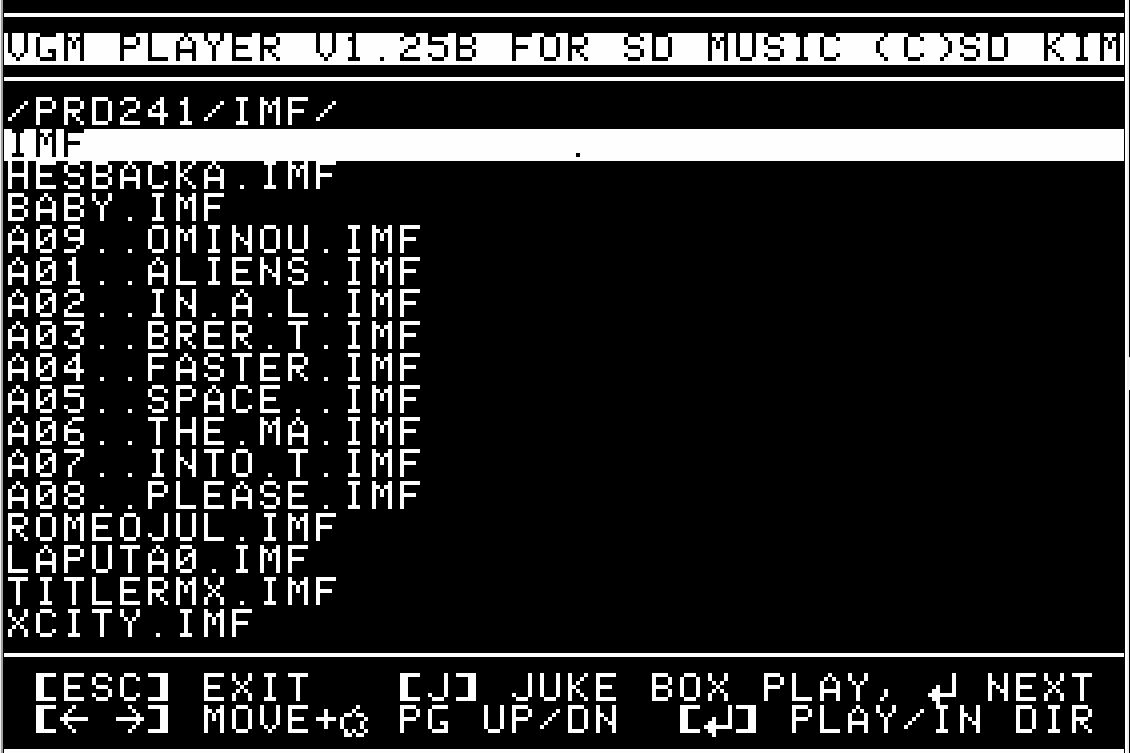
However, the VGM and DRO formats have very little timing margin during playback, making it difficult to apply the level meter. IMF has relatively more timing flexibility, so the level meter has been applied to the IMF format first.
It is currently under testing, and if no issues are found, it will be released as an official version.
I'm working to support IMF music files on the VGMPlayer.
It's almost done and playing IMF songs now.
Please download the VGM Player again and You can have an updated version. (You can find the location my email, I sent the information when you purchase the card)
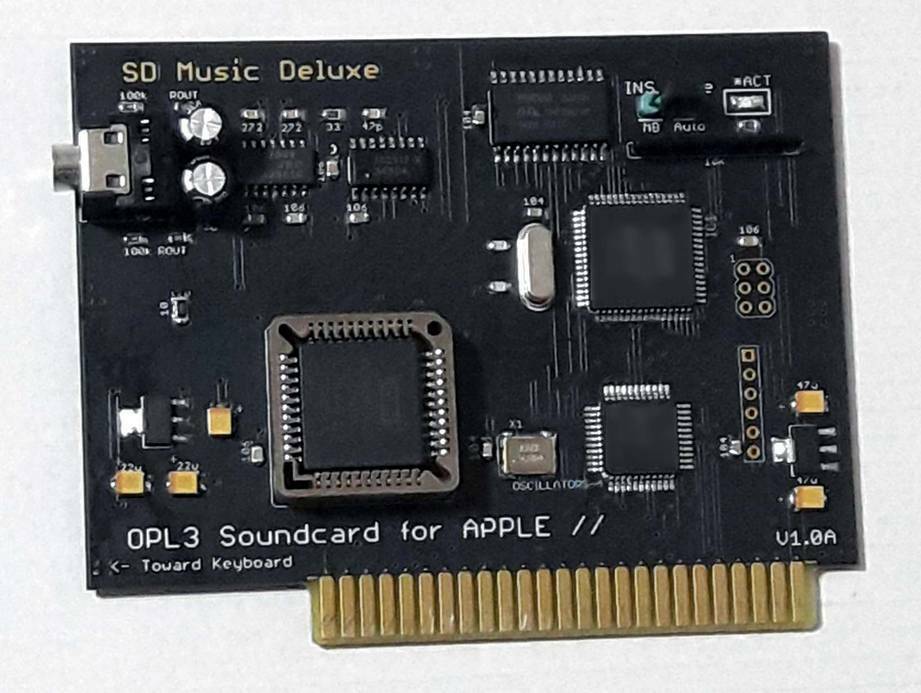
SD Music Deluxe card has an OPL3 sound chip and the IMF files are also possible to play on APPLE II.
Hence, I researched the IMF file type and could make it run on SD Music Deluxe.
I searched for some good file formats that could work on APPLE II without any heavy CPU load.
In my thought the Music playing in APPLE II wouldn't be a problem but, when I apply the VGM songs in APPLE II,
It won't fit for games on APPLE II. so other file types are needed.
I can make my own format but, it isn't a good idea cause I can't make good songs...
So need another format it could be made by some of the composers and if possible to convert to a specified music format, it would be a nice.
I considered it an easy one and I found DRO and IMF files. Some of the files are based on MIDI format and have instrument data in to and need more consideration for APPLE II.
DRO vs IMF...
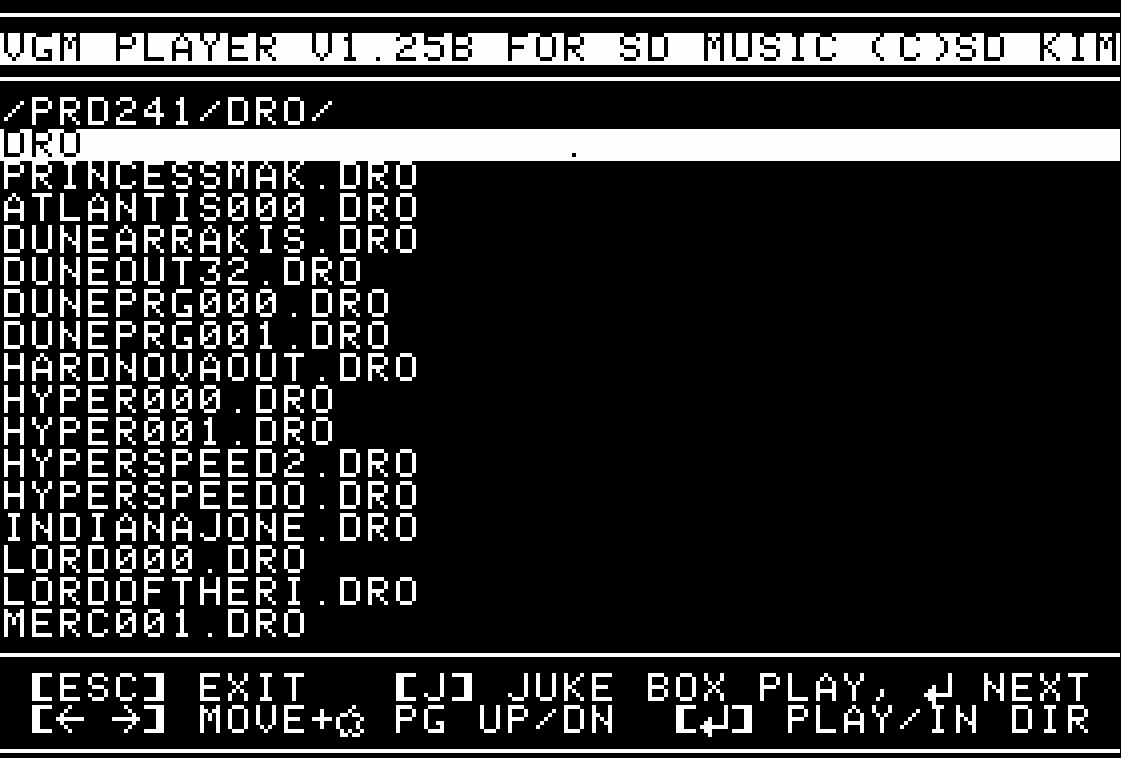
DRO file can extract DOSBOX program and good for OPL2/OPL3
IMF file can extract some DOS games and only for OPL2(OPL3 can)
And IMF file was simper to DRO and I did for it.
VGM Player would be a good player for VGM and IMF music files.
Background MUSIC(Sound) player on APPLE II
There are Mockingboard programs that can play in the background.
I also considering making a similar program that plays IMF sound files.
it would be helpful for the user's program.
Users could insert their own sound effects while background music playing.
Hope to complete it soon.
Thanks
Ian Kim
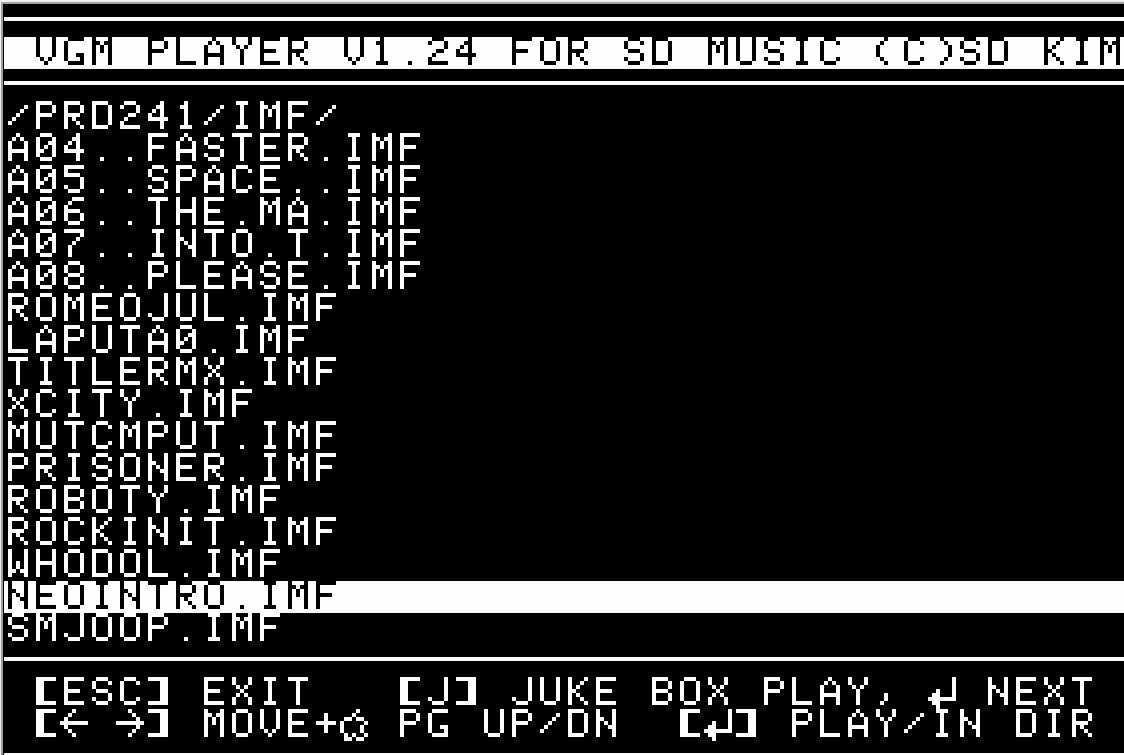
** VGM Player updated to V1.24
In this version, It supports large IMF files and has no file size limitation.
And hidden reading applied so you can play IMF songs seamlessly.
1) New firmware support much better for Mockingboard emulation. now it supports all channels envelope
I spent many days and nights to make a good mockingbird emulation.
*Chorus channels are removed and it assigned to more noise channels. now it has 3 noise channels.
2) User firmware update support The previous version doesn't have this capability but from now it supports end-user updates. hence end-user could update when new firmware announce.
3) VGMPlayer support
But unfortunately, I need your card, hence SD Music card owner needs to ship it for firmware updates. After that, End-user firmware updates are activated. Please email me (quick09 (a) gmail . com)
But, worldwide covid19 is a big issue hence, you may not easy to ship it to me and also my side having difficulty returning it to you. please wait for good days for us.
if you have any concerns, please let me know. Thanks Ian Kim
All VGM files extracted(Not by me) from Family Karaoke on Famicom system.
This VGM player used a bare control mode on SD Music card on new firmware V2.0.
It has 32KB file limit so need to manual load for next data hence, I'm considering using AUX memory or file reading way(It may have a delay while file reading).
Anyway, we have another program to play music on SD Music card.